

Hybrid town hall technical checklist
A successful hybrid town hall is prepared on six points: the platform licence and format (Teams or Zoom), the roles (producer, speakers, moderator), room sound capture, cameras and encoder, handling of questions, and a full technical rehearsal with a fallback plan.
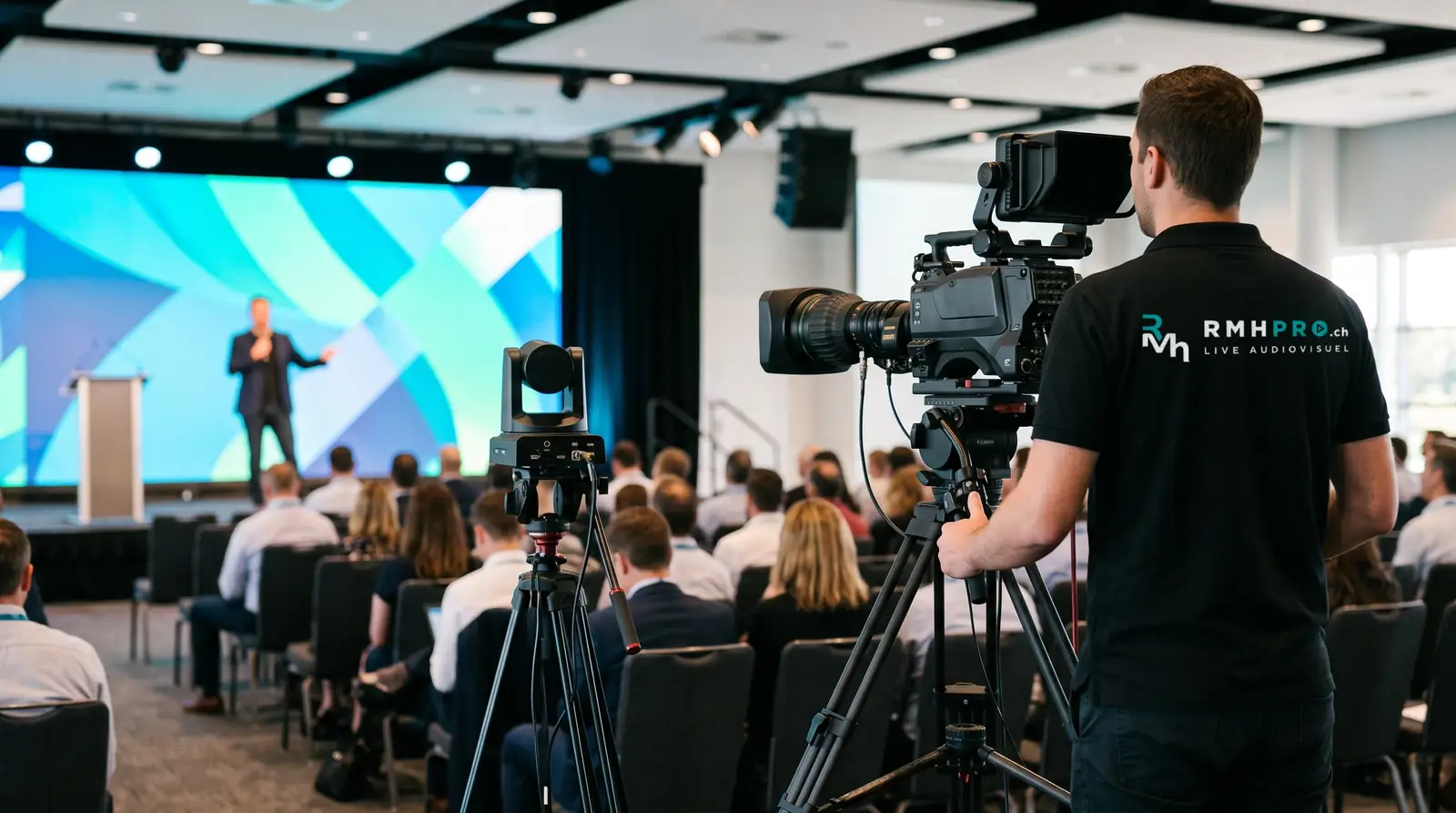
Six weeks before
- a) confirm the format on the organisation’s platform and the capacity allowed by the licence
- b) appoint the producer, moderator and speakers
- c) confirm the room, its layout and dedicated wired network access
- d) list remote speakers and their time zones
Two weeks before
- a) receive final presentations
- b) send remote speakers connection, framing and microphone guidelines
- c) approve the timed running order and transitions
- d) decide how questions are collected: room, platform chat, third-party tool
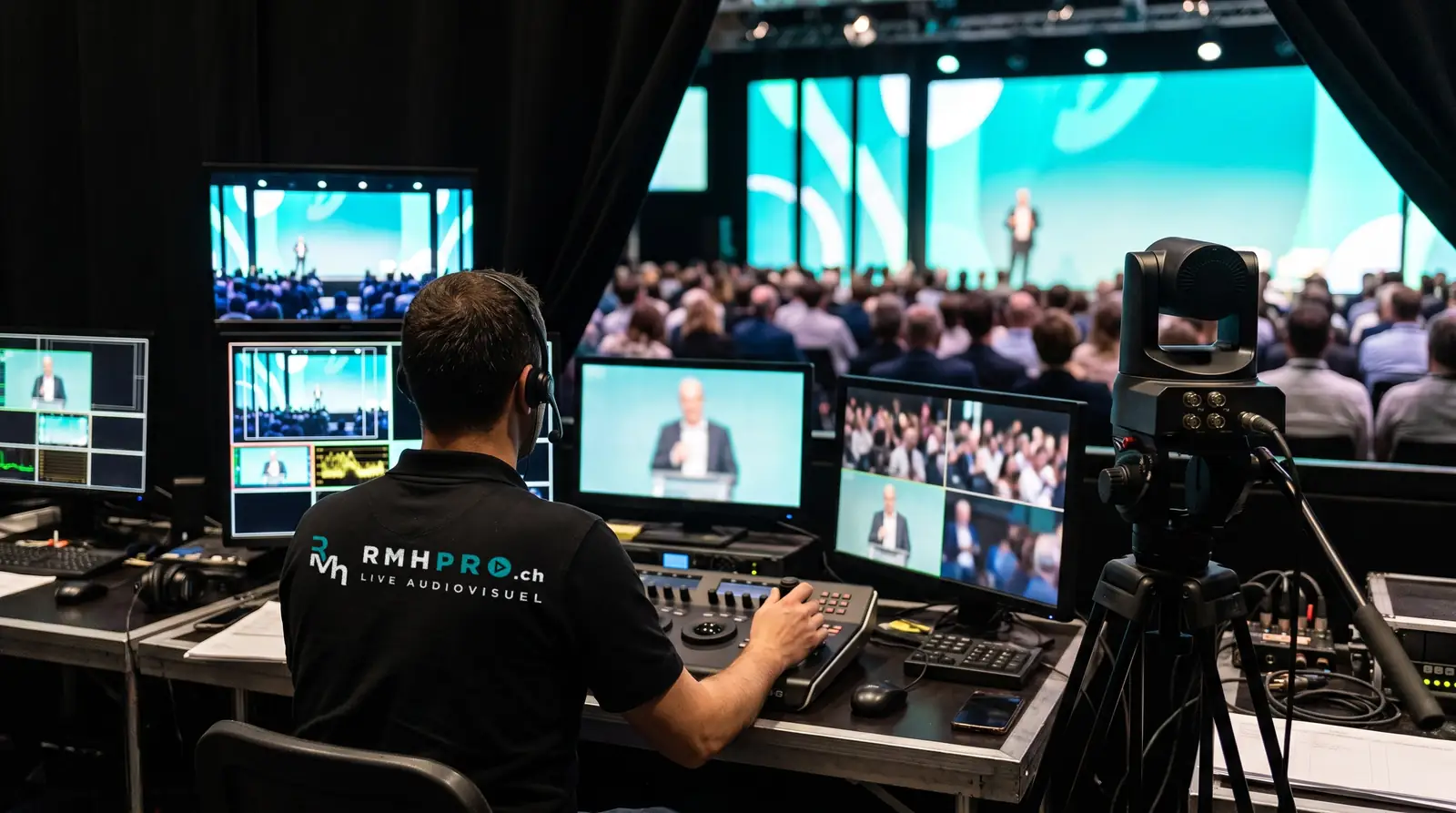
The day before or that morning
- a) full technical rehearsal in the room with every remote speaker
- b) test of the switchover to the backup link
- c) check of room sound and the feed to the platform
- d) test recording and playback
During the event
- a) the producer runs the broadcast, one technician handles sound, another the cameras
- b) the moderator filters and passes on questions
- c) the local recording runs alongside the broadcast
Afterwards
- a) recording handed over
- b) review of connection statistics provided by the platform
The full setup is described on webcasts and hybrid meetings. For a public stream without registration, see live streaming.
Frequently asked questions
Teams meeting, webinar or live event?
The format depends on the number of remote participants and the interaction you want. Beyond meeting capacity, a broadcast format is needed whose limit depends on your organisation’s licence. We check it with your IT department before fixing the setup.
Who starts the broadcast?
A designated producer in the control room, who runs the running order, brings in remote speakers and starts and stops the broadcast. This role is not combined with that of a speaker.
Why is sound the most sensitive point?
Remote participants forgive an average picture, not inaudible sound. Every speaker in the room has a microphone, audience questions go through a dedicated microphone, and remote speakers are played back in the room without feedback.
What if the connection drops?
An independent backup link is planned and the switchover is tested during rehearsal. The local recording keeps running during the outage and is handed over after the event.
In the same area
Live capture and streaming
Multi-camera filming, remote cameras, live streaming to your platforms, Zoom, Teams and venue screens, recording delivered. Throughout Switzerland.
Live streaming and video filming
Live streaming and multi-camera filming for conferences, ceremonies and shows: vision mixing control room, backup link and recording delivered to you.
Conference and corporate event filming
Filming and live streaming of conferences, general meetings and corporate meetings: presentations inserted cleanly into the picture, remote questions.
Ceremony filming
Ceremony filming and live streaming: a discreet multi-camera setup, careful sound, full recording. From an intimate service to a large gathering.
Show and concert filming
Multi-camera filming of concerts and shows, live vision mixing, dedicated sound capture, and live streaming or recording for later broadcast.
Webcasts and hybrid meetings
Town hall, webinar, hybrid general meeting or training streamed on Zoom or Teams: capacity depends on your platform licence. Setup and crew.
Let’s talk about your event
Tell us what you are organising, for how many people, where and when. We reply within one working day.