

Webcasts and hybrid meetings
RMHpro produces your Zoom and Microsoft Teams meetings at scale: town halls, webinars, hybrid general meetings, streamed training. Speakers on site and remote, audience questions, recording handed over. The control room feeds the platform through an external encoder, with remotely controlled cameras and a backup link.
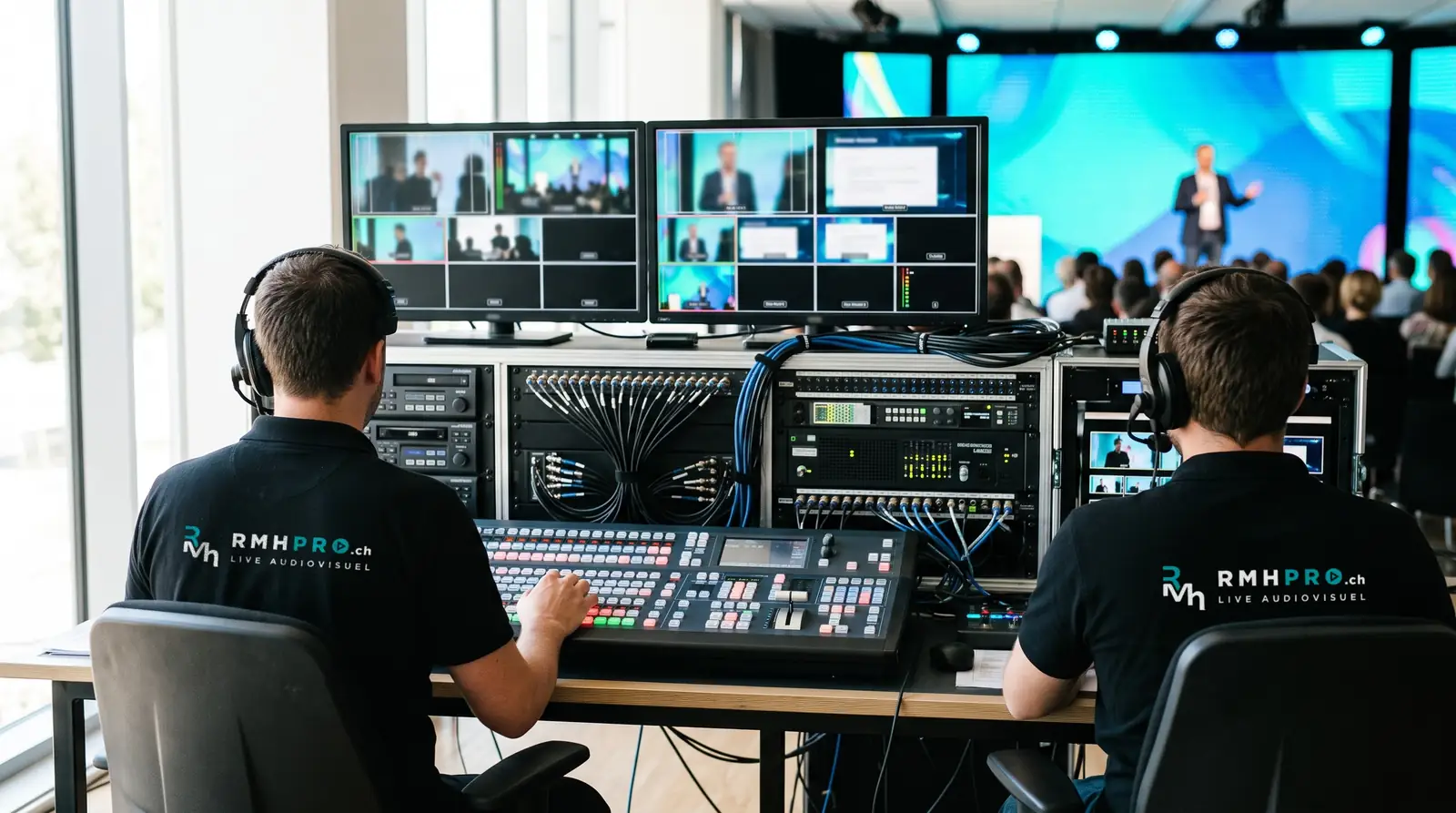
The employee connected from home hears the speaker as well as the room does, sees a legible presentation, asks a question and gets an answer. This result requires a multi-camera control room and an external encoder.
The typical setup
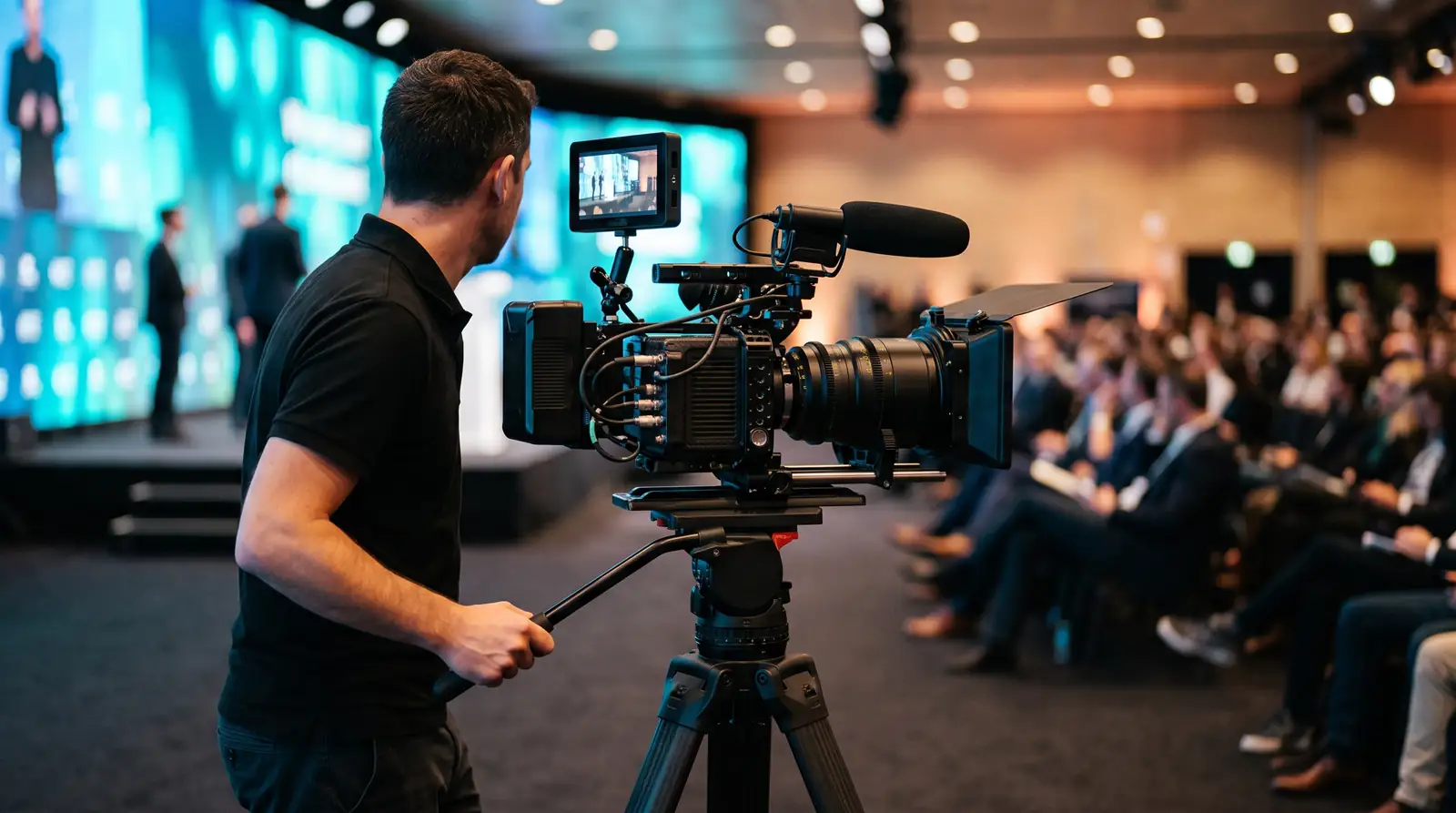
- a) cameras controlled from the control room on the fixed angles, a camera operator on the mobile angle
- b) a vision mixer to switch between cameras, presentations and remote speakers
- c) a streaming encoder with 5G bonding, in addition to the venue’s wired connection
- d) a sound console with a stage box, wireless microphones for the speakers, an audience microphone for questions
- e) a confidence monitor so that speakers can see remote participants and the chat
- f) a Teams or Zoom producer position that manages the running order, questions and the start of the stream
- g) a local recording: the full file delivered at the end of the event, followed by an edited version if ordered
The typical crew
A production manager, an AV technician, a streaming technician, one or more camera operators, a sound technician. Each has one function and only one. Streaming at scale leaves no time to run between two positions.
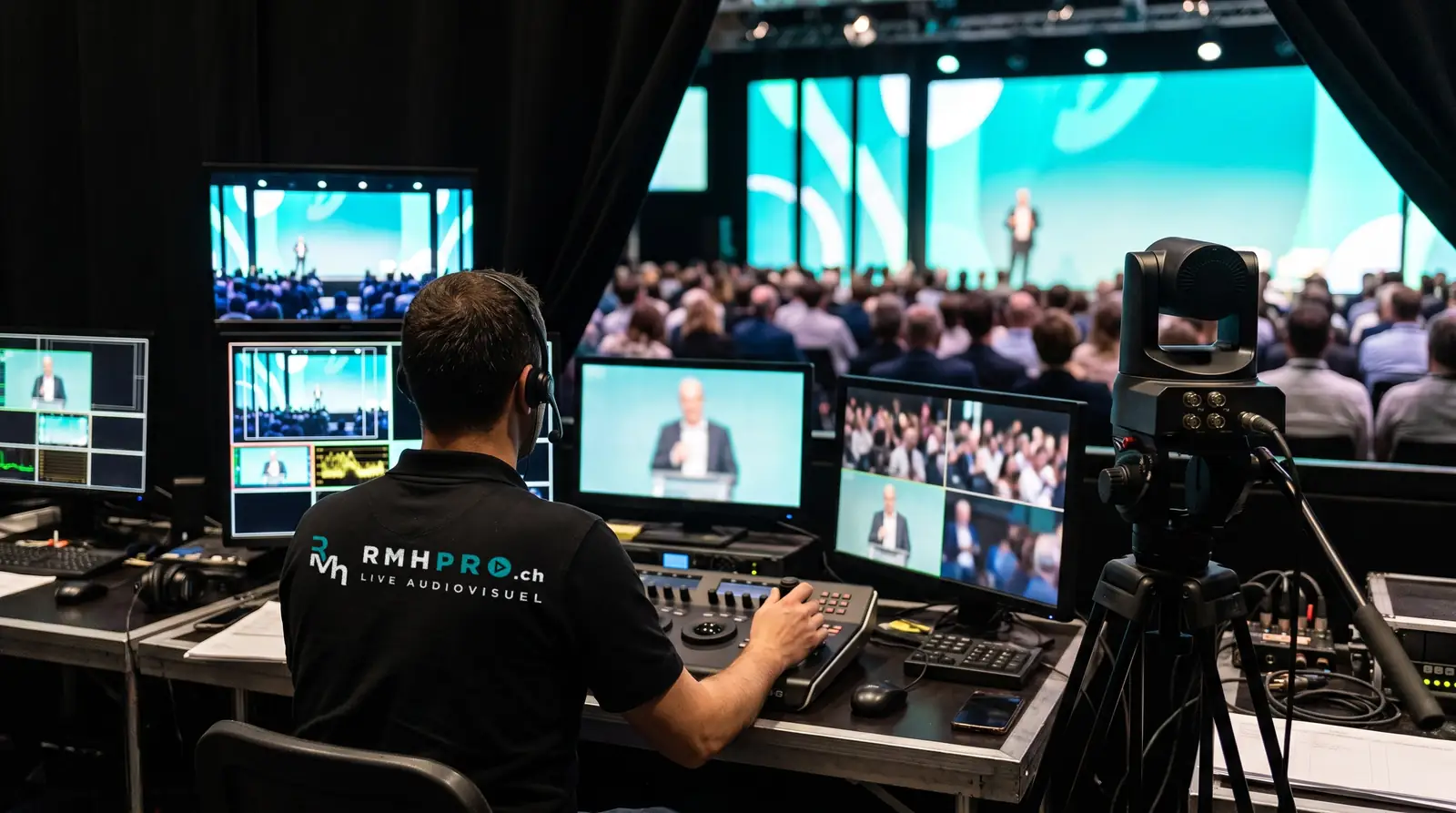
Coordination with your IT department
The town hall or webinar is created in your environment and configured for an external encoder. The day before, we carry out an end-to-end test with your IT department: from the camera to a participant’s computer, through your network. This is when a firewall, a licence ceiling or an incorrect stream address comes to light, rather than on the morning itself.
What we ask of your IT department
- a) dedicated upload bandwidth for the stream
- b) a wired connection reserved for the control room
- c) outgoing streams to the platform allowed, in RTMPS or SRT depending on the platform
- d) a licence that accepts an external encoder
- e) a date for a full test with your team
The classic mistake
Streaming from the speaker’s laptop with the room webcam. The picture is static and distant, the sound comes from the laptop microphone, presentations go through screen sharing at the speed of the guest network, and nobody monitors what the remote audience receives. The speaker’s laptop is for presenting. The stream comes from the control room.
Hybrid meeting or public stream
This page covers meetings on Zoom and Microsoft Teams for an identified audience: employees, shareholders, learners. Streaming to a public platform, without registration, is described on the streaming and broadcast page.
See also conferences and corporate events, conferences and congresses and conference filming. A hybrid general meeting on Teams is described in our references.
Frequently asked questions
Zoom, Microsoft Teams or Webex?
Whichever your company already uses. Your staff are logged into it and your IT department knows it well. We feed either one from the control room through an external encoder. The choice of platform does not change the setup in the room.
What happens if a remote speaker has a poor connection?
The control room sees it before the audience does. We alert them on a separate channel, cut their video to keep their voice, or move on to the next speaker and come back to them. We ask each remote speaker for a test the day before, on the computer and network they will use.
What happens if the connection drops?
The stream switches to a backup link independent of the venue’s network. A backup encoder takes over if the main encoder stops. Local recording continues independently of the stream: at the very least, you leave with the full file.
Can the session be recorded?
Yes. Recording is done in the control room, independently of the platform: the full file is delivered at the end of the event, followed by an edited version if ordered. The platform’s own recording can be added, but it is not the only one.
How many participants can connect?
The limit comes from your platform licence, not from our setup. Your IT department checks the ceiling of its licence and we adapt the encoding.
Do we need our own licence?
Generally, yes. The town hall or webinar is created in your environment, by your IT department, with your participants and your security rules. We join as producer and as external encoder. If you do not have a suitable licence, we will see this at our first conversation and propose an alternative.
In the same area
Live capture and streaming
Multi-camera filming, remote cameras, live streaming to your platforms, Zoom, Teams and venue screens, recording delivered. Throughout Switzerland.
Live streaming and video filming
Live streaming and multi-camera filming for conferences, ceremonies and shows: vision mixing control room, backup link and recording delivered to you.
Conference and corporate event filming
Filming and live streaming of conferences, general meetings and corporate meetings: presentations inserted cleanly into the picture, remote questions.
Ceremony filming
Ceremony filming and live streaming: a discreet multi-camera setup, careful sound, full recording. From an intimate service to a large gathering.
Show and concert filming
Multi-camera filming of concerts and shows, live vision mixing, dedicated sound capture, and live streaming or recording for later broadcast.
Hybrid town hall technical checklist
Preparing a town hall or hybrid general meeting on Microsoft Teams or Zoom: licence, roles, sound, cameras, audience questions, rehearsal and fallback plan. Checklist.
Let’s talk about your event
Tell us what you are organising, for how many people, where and when. We reply within one working day.